UCSC track hubs are web-accessible collections of genomic data, similar to IGB Quickloads. We have created a website - translate.bioviz.org - that can convert between IGB Quickloads and UCSC track hubs allowing for data in either format to be viewed in either genome browser.
Follow the instructions below to convert an IGB Quickload URL into a track hub and then view the data in the UCSC Genome Browser.
1. In a web browser, go to https://translate.bioviz.org/
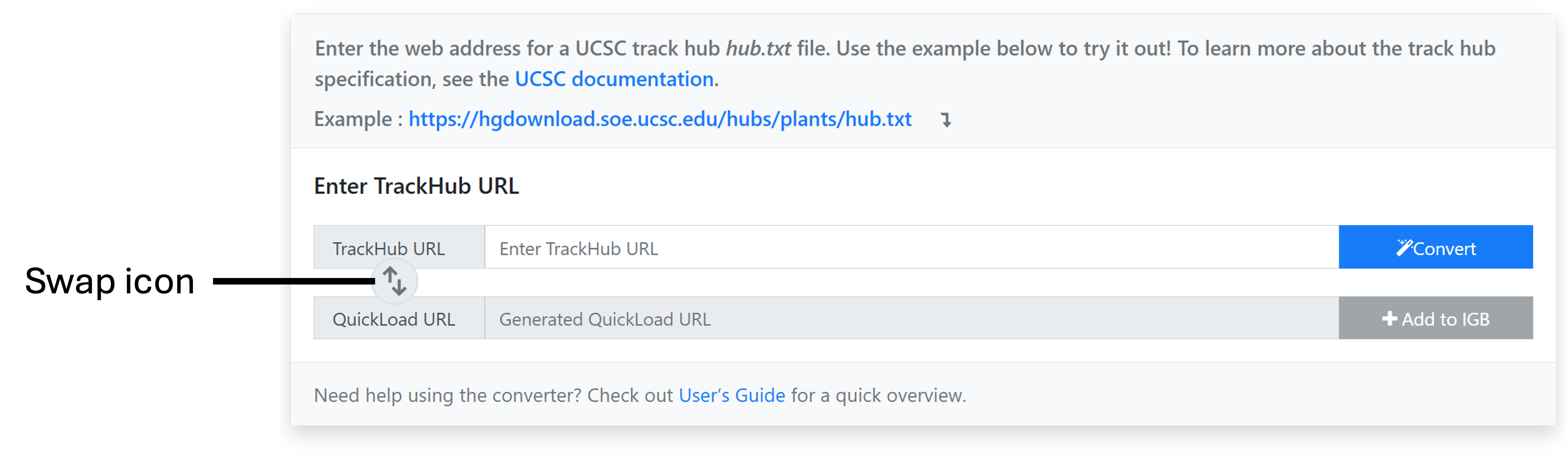
2. Click on the swap icon.
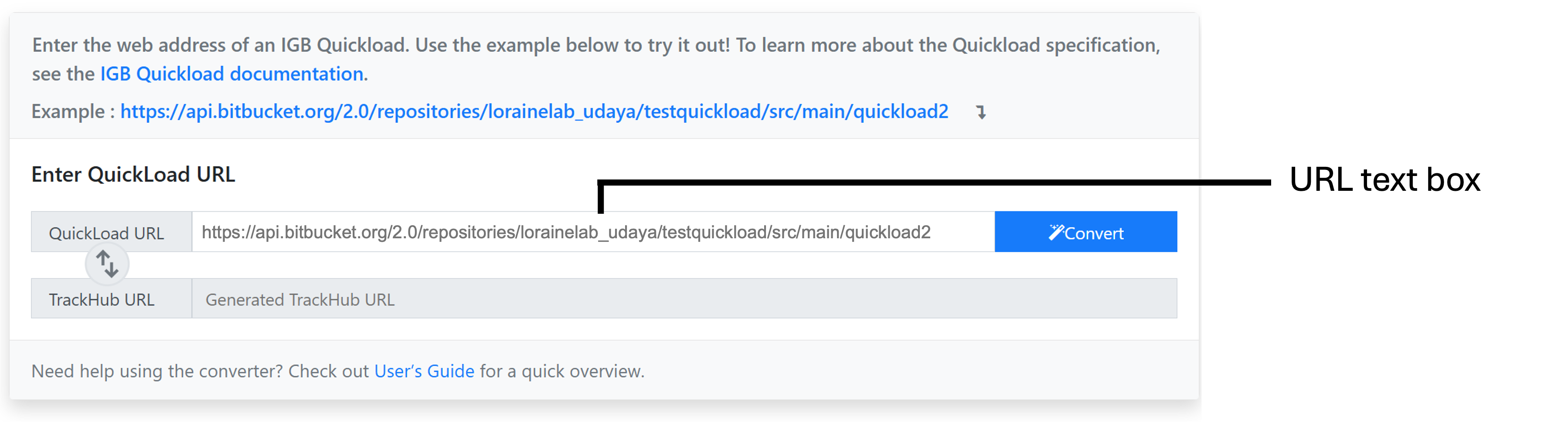
3. In the URL text box enter the Quickload URL you would like to convert.
- For example: https://api.bitbucket.org/2.0/repositories/lorainelab_udaya/testquickload/src/main/quickload2
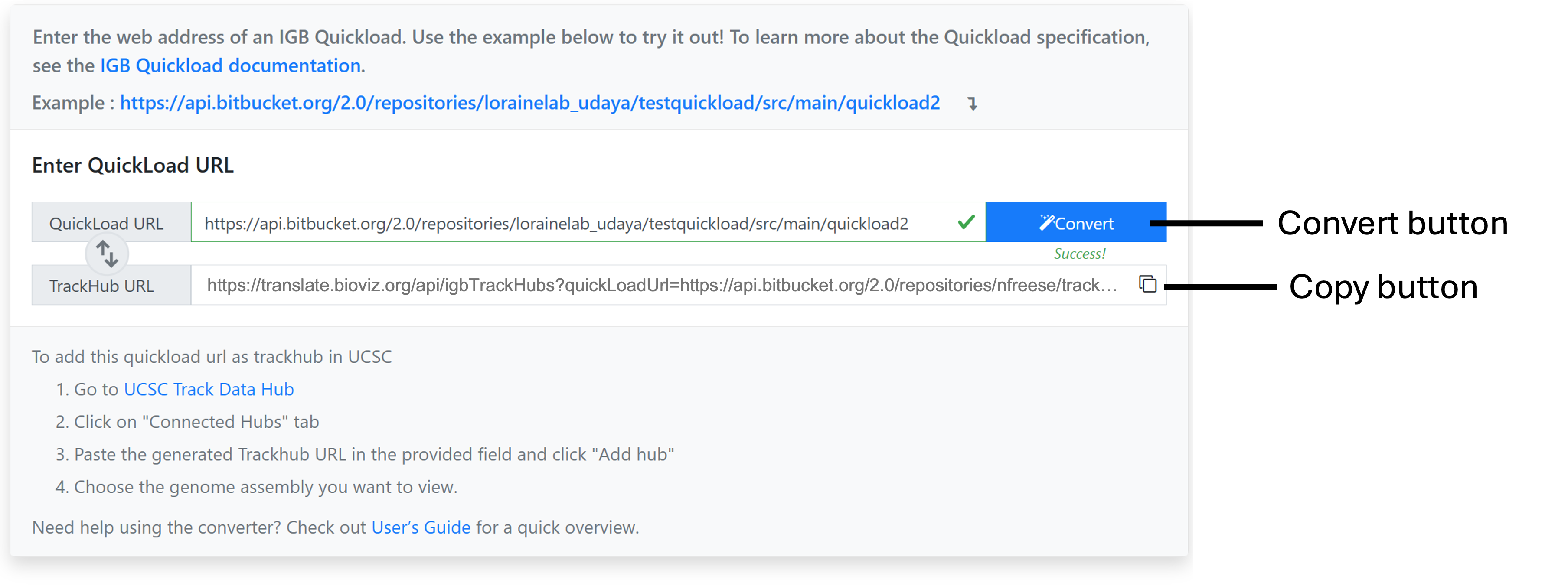
4. Click the "Convert" button to convert the Quickload URL into a Track Hub URL.
5. Copy the converted Track Hub URL.
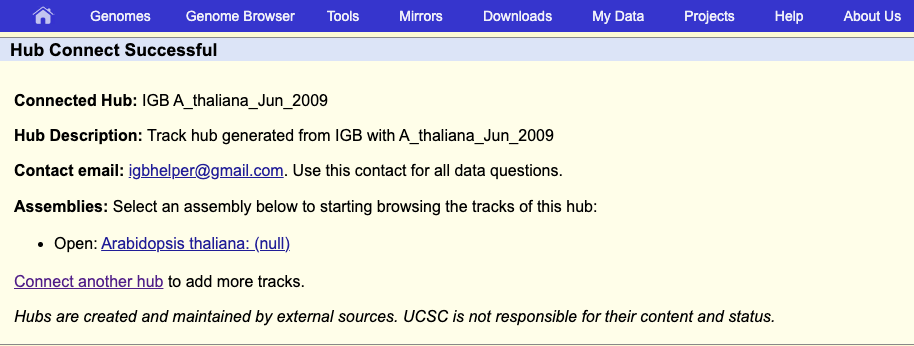
6. Navigate to https://genome.ucsc.edu/cgi-bin/hgHubConnect
7. Paste the converted Track Hub URL.
8. Click Add Hub.
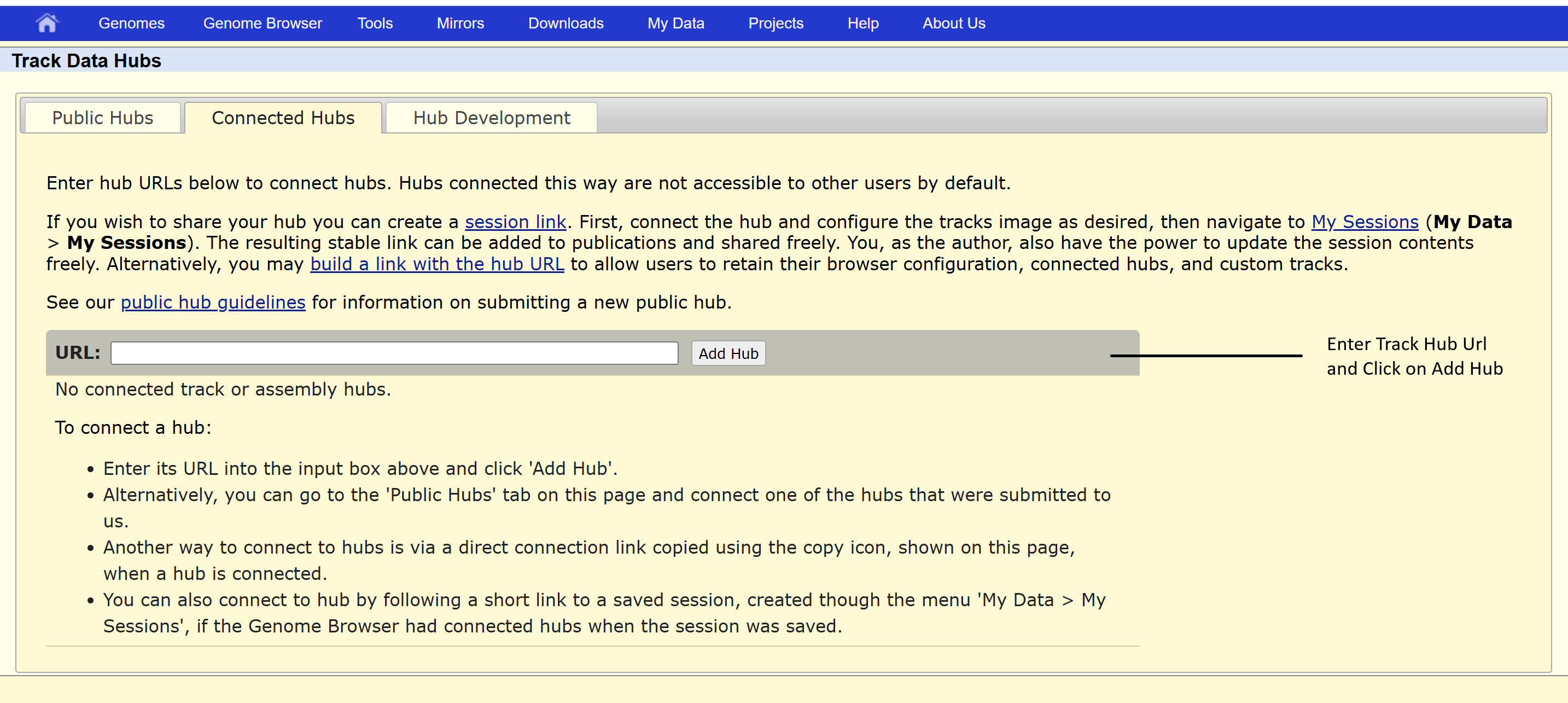
9. If the Url is a valid one, track hub will be successfully added and can be viewed.